IT Recruitment
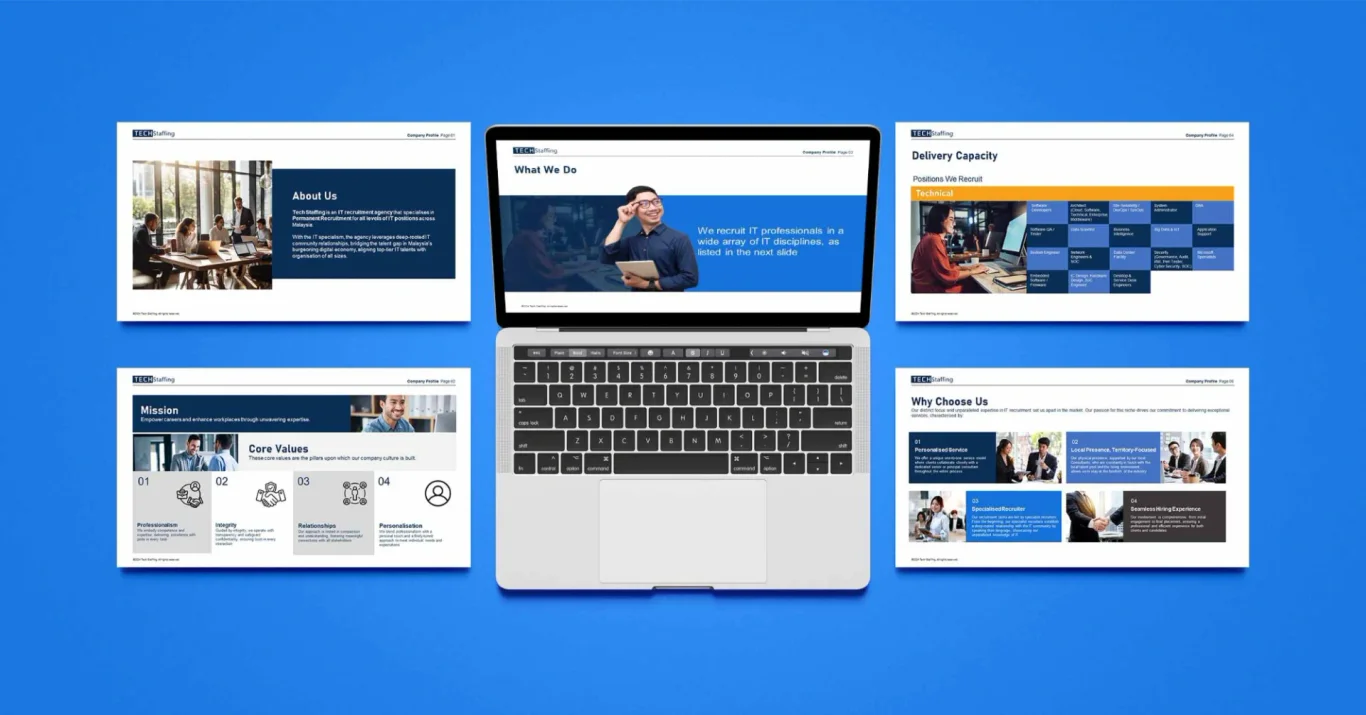
TECH Staffing PowerPoint Profile
Capability Deck
PowerPoint capability deck for a technology staffing firm pitching enterprise clients.
View Case Study
Walk Production designs PowerPoint and presentation decks for growing SMEs, corporates, listed companies, and multinational corporations across Dubai and the UAE. Our work covers content structuring, copywriting, visual design, and animation.
A presentation project typically takes 1 to 3 weeks. You receive editable PowerPoint files and, where a template is in scope, master slides your team can keep building on. Our working day runs Monday to Friday, 9:30am to 6:30pm GST.
A one-off deck, a deck with a reusable master template, or an organization-wide template system: those are the three routes. A company profile deck usually runs 15 to 25 slides and a sales deck 10 to 15. PowerPoint is the primary format, and we export to Keynote and Google Slides on request.
We design PowerPoint decks for different purposes and industries across Dubai and the UAE.
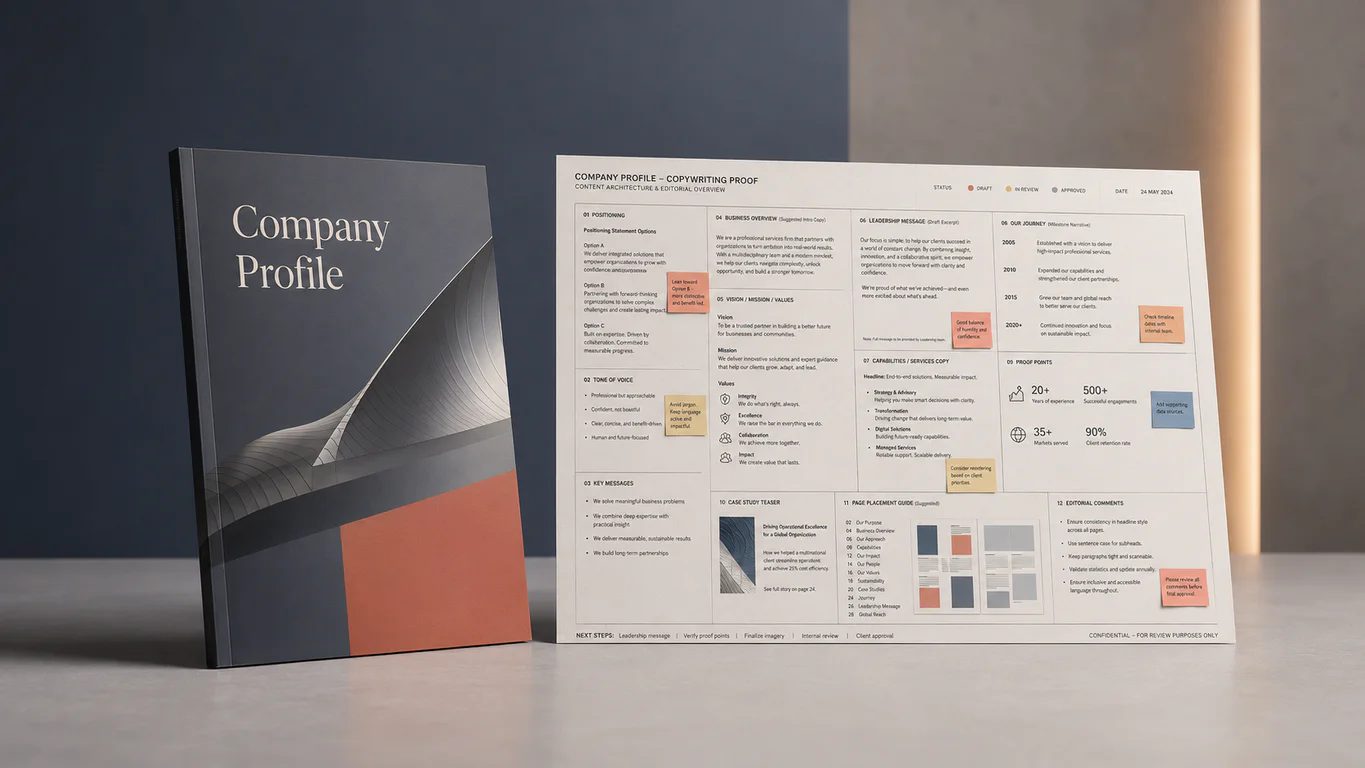
Corporate overview decks for partners, prospects, and stakeholder meetings. Often the same content as a printed profile, rebuilt for live presentation to a room.
Decks for sales meetings and shortlist pitches, structured around a single argument that carries the whole deck. The close is built into the structure from the first slide.
Decks for investor meetings, funding rounds, and results briefings, including issuers listed on the Dubai Financial Market or Abu Dhabi Securities Exchange. Data leads, and the narrative holds it together.
Board packs and executive briefings, formatted so a director can follow the argument from the printed page alone. Density carries the argument, page after page.
Internal training and workshop material for teams that rarely share a first language. Diagrams carry more of the load than paragraphs.
Corporate overview decks for partners, prospects, and stakeholder meetings. Often the same content as a printed profile, rebuilt for live presentation to a room.
Decks for sales meetings and shortlist pitches, structured around a single argument that carries the whole deck. The close is built into the structure from the first slide.
Decks for investor meetings, funding rounds, and results briefings, including issuers listed on the Dubai Financial Market or Abu Dhabi Securities Exchange. Data leads, and the narrative holds it together.
Board packs and executive briefings, formatted so a director can follow the argument from the printed page alone. Density carries the argument, page after page.
Internal training and workshop material for teams that rarely share a first language. Diagrams carry more of the load than paragraphs.
PowerPoint capability deck for a technology staffing firm pitching enterprise clients.
View Case Study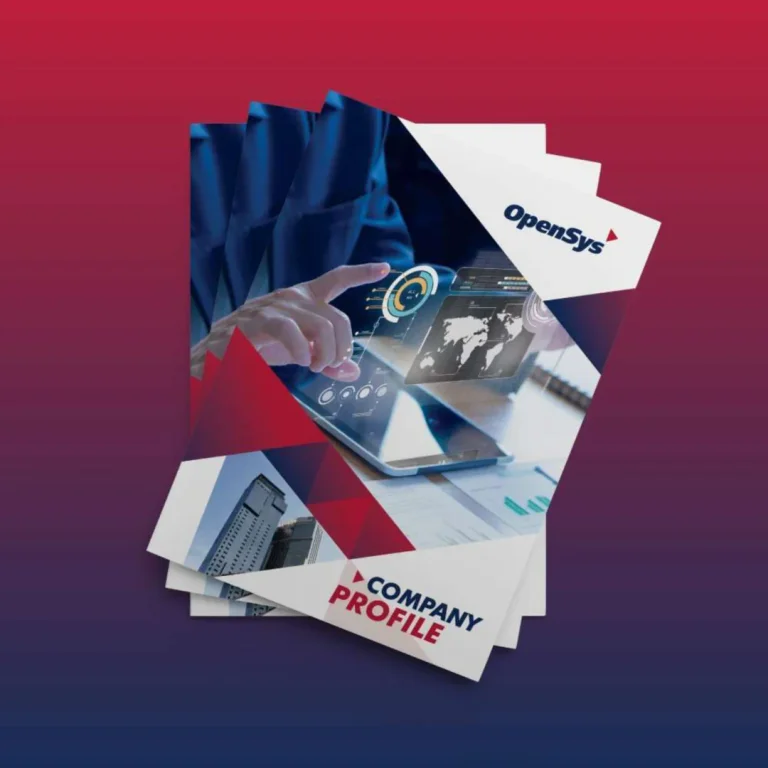
Fintech company profile consolidating telecommunications, utilities, and banking services for strategic decision-makers and technical evaluators.
View Case Study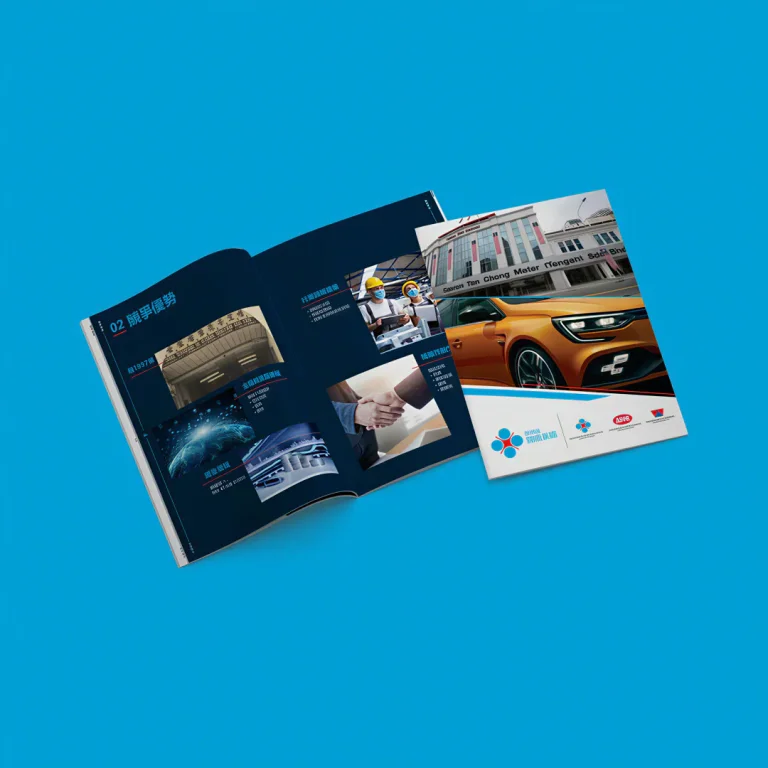
Bilingual English-Chinese corporate profile presenting a multinational automotive group history and regional operations.
View Case StudyThree scope levels: one deck, one deck plus a reusable master, or a template system for a whole organization. Pricing scales with scope; request a quote for your project.
| What is included | One-Off Presentation | Presentation with Master Template | Corporate Template System |
|---|---|---|---|
| Content structuring | Included | Included | Not included |
| Custom slide design | Included | Included | Not included |
| Custom icons and graphics | Included | Included | Not included |
| Animation where required | Included | Not included | Not included |
| Editable PowerPoint file | Included | Included | Not included |
| Master template | Not included | Included | Not included |
| Template usage guide | Not included | Included | Not included |
| Presentation audit and strategy | Not included | Not included | Included |
| Master template library | Not included | Not included | Included |
| Department-specific templates | Not included | Not included | Included |
| Icon and graphic library | Not included | Not included | Included |
| Training session | Not included | Not included | Included |
| Template guidelines | Not included | Not included | Included |
| Best for | One-time meetings, pitches, or events | Teams presenting weekly who need every deck to look related | Large organizations standardizing across teams |
Six steps from brief to handover, with a slide-by-slide outline signed off before any design starts. Total timeline: 1 to 3 weeks.
We cover the objective, the room, and the decision you want out of it. You send whatever exists: an old deck, a data set, or a page of talking points.
Your content is ordered into an argument that survives being interrupted on slide four. You approve a slide-by-slide outline before design begins.
Slide copy is written or tightened, headline first, so each slide states its point in the title. Speaker notes are written for the person presenting, who may not be the person who wrote it.
Design is applied across every slide, with custom icons, diagrams, and charts built specifically for the deck. Charts are drawn from the figures your team supplies and verifies.
Builds and transitions are added where they help the argument land in sequence. Anything that only draws attention to itself is left out.
Files are handed over with a usage guide. Template projects include a live online training session so the master survives contact with your team.
A master template gives your team a set of rules to build inside. Done properly, it helps colleagues produce a presentable deck on their own and stay on brand.
We read the decks your team actually sends out. That shows which slide types earn their place, which get rebuilt every time, and where the brand has drifted between offices.
We build 10 to 15 layouts against the slides you really use: titles, dividers, content pages, comparisons, charts, and team profiles. The master stays lean enough for your team to navigate.
Every element sits on an editable placeholder. Your team clicks, types, and the formatting holds. Where a right-to-left Arabic master is in scope, it is built as its own second set of layouts, designed for right-to-left reading.
Branded icons, diagrams, and graphic elements are drawn to match the identity, then loaded into a slide library. Your team drags what it needs instead of hunting through stock sites.
You receive a usage guide showing how to use each layout. For larger teams, we conduct a live online training session.
Colors, fonts, layouts, and chart styles are locked into the master. Marketing, sales, and the regional offices all produce slides that look related, because they are drawing from one component library.
Your team spends less time rebuilding slides from scratch, because the layouts, icons, and charts already sit in the master. That time matters most in the week before a board meeting or a tender deadline.
Master template built by senior presentation designers, then a 90-minute live online training session for your team. They leave knowing how to use it, edit it, and stay inside the brand rules.
Take the master template alone, a single custom deck alone, or both together. The pairing works well, because the flagship deck doubles as the worked example your team copies from. Pricing scales with scope.
Investor presentations, sales pitches, and the proposal documents that go with a tender response.
View ServiceCharts, diagrams, and data visuals for decks and reports.
View ServiceThe wider graphic design service, from collateral to campaign assets.
View ServiceThe more context you share, the sharper our first response. A rough scope and timeline are enough to begin.